
Eyes up
You never count or check a timer. The voice says Run
, Walk
and Half way. Turn around.
, your Watch taps your wrist, and your music carries on underneath.
For iPhone and Apple Watch
The beginner's run/walk plan that tells you when to run and when to walk. You keep your eyes up and go.
On your wrist
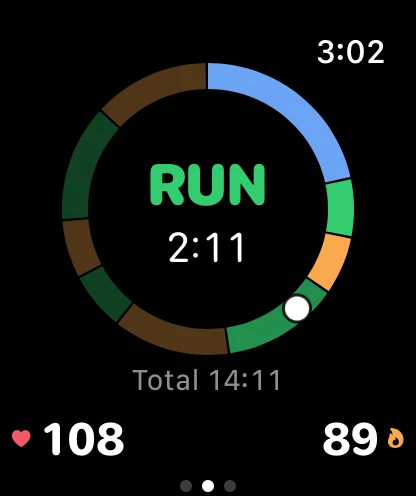
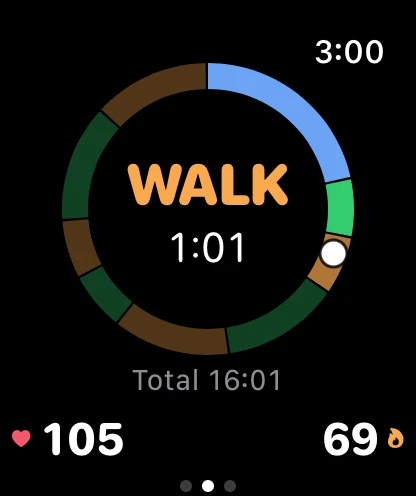
First Stride is a real Apple Watch app, not a window onto your phone. Pick today's run on your wrist, press Start, and go. The whole workout happens on the Watch.
You feel every change on your wrist, so you never have to look down. You choose the two patterns.
With headphones connected to your Watch, it says Run
and Walk
out loud. The Digital Crown turns the voice up and down.
Live on the Watch while you run, with a summary when you finish.
Every run is saved as a running workout and counts toward your activity rings.
Finish Week 3 on your wrist and your iPhone has you on the next run when the two are together again.
Two things still go through your iPhone: the app installs from it, and the one-time purchase is made there. Spoken cues on the Watch need headphones connected to the Watch. Without them you get the taps.
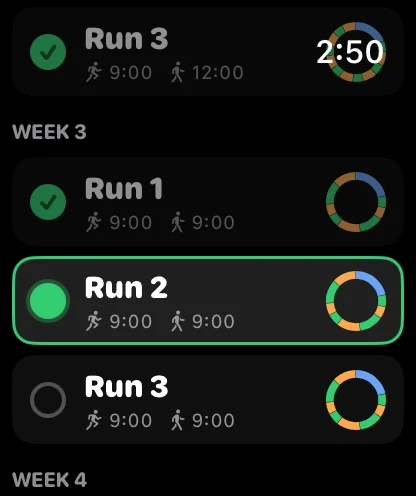
The Watch opens on your next workout. Scroll to repeat any other.
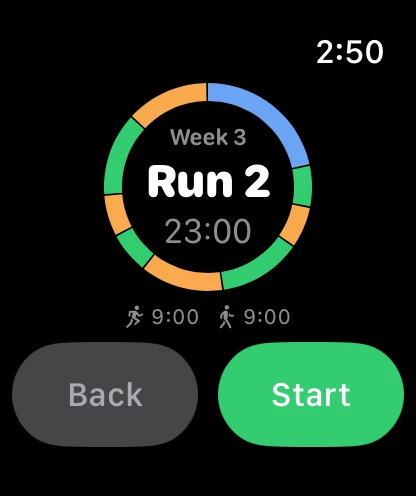
You see how long it is and how much is running before you begin.
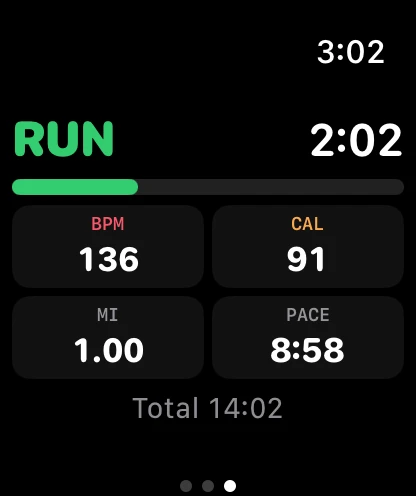
If you would rather see your stats than the ring, the Watch remembers.
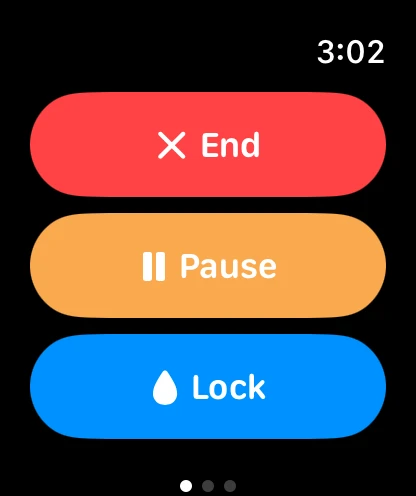
End, Pause and Water Lock are full-width buttons you can hit mid-stride.
See it
iPhone
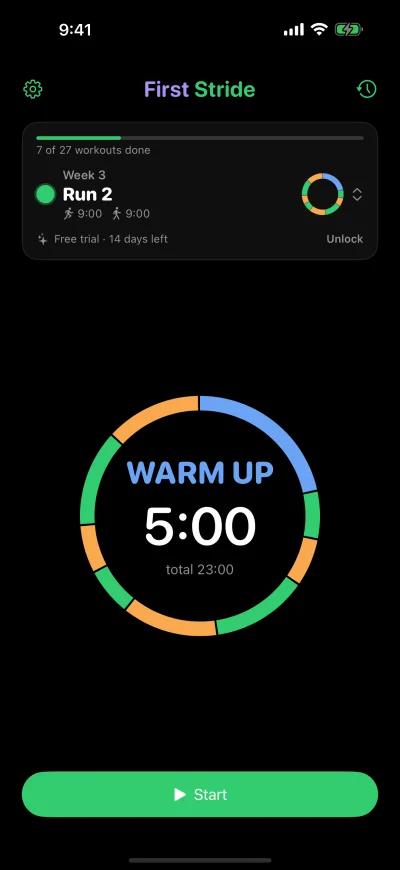
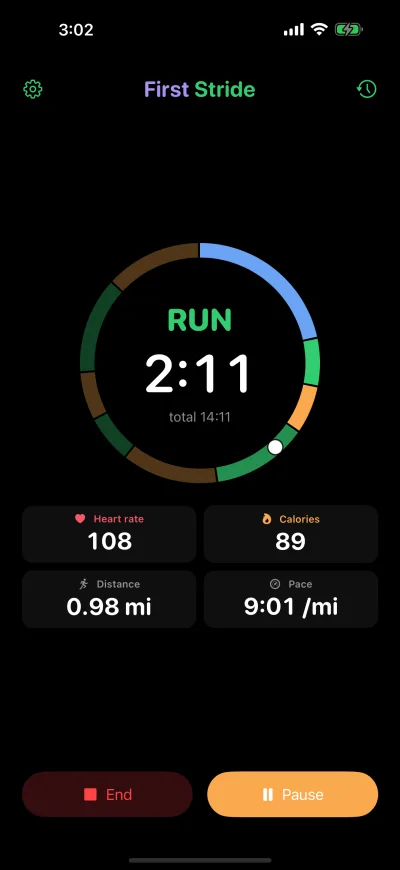
First Stride keeps your place in the nine weeks. The ring is a map of the workout ahead: blue for the warm-up walk, green to run, amber to walk. Press Start.
iPhone
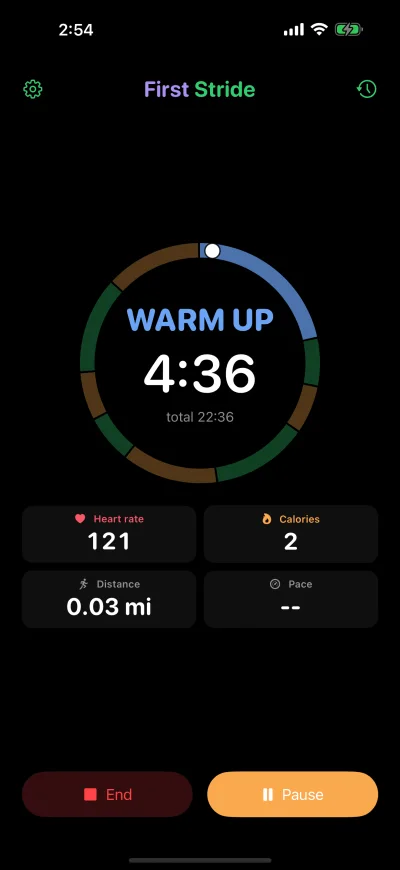
Every run opens with a warm-up. Put your phone in your pocket and lock it. The run carries on with the screen off, and the countdown stays on your Lock Screen.
iPhone
Run
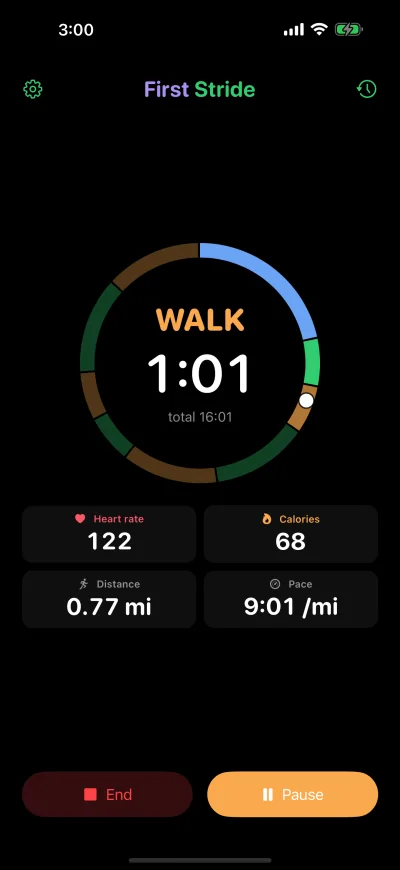
At every change a voice tells you what to do. Whatever you are listening to dips for a second so you hear it, then comes straight back. It works with any music or podcast app, and there is nothing to connect.
iPhone
Walk
The walk breaks are the plan, not a rest from it. Halfway through the workout you also hear Half way. Turn around.
, so an out-and-back route ends at your door.
Apple Watch
Start on either device and the other follows. With both, your phone does the talking and your Watch taps your wrist and reads your heart rate.
iPhone
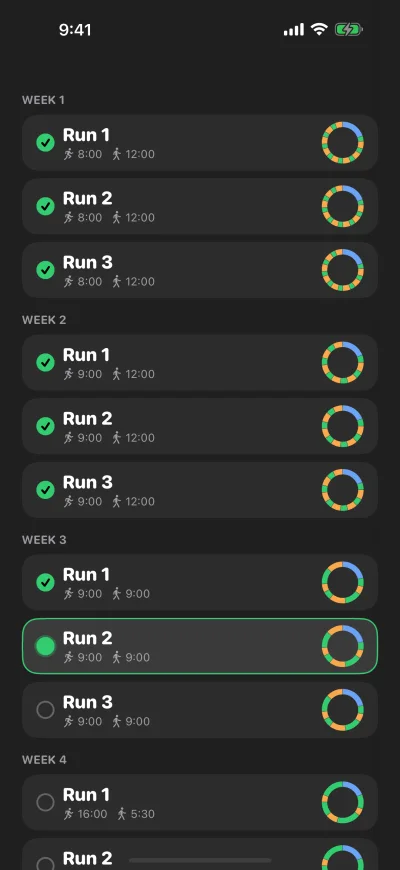
See every workout and what is in it. Tap any day to repeat a session that felt hard, or to pick up where a holiday left you.
iPhone
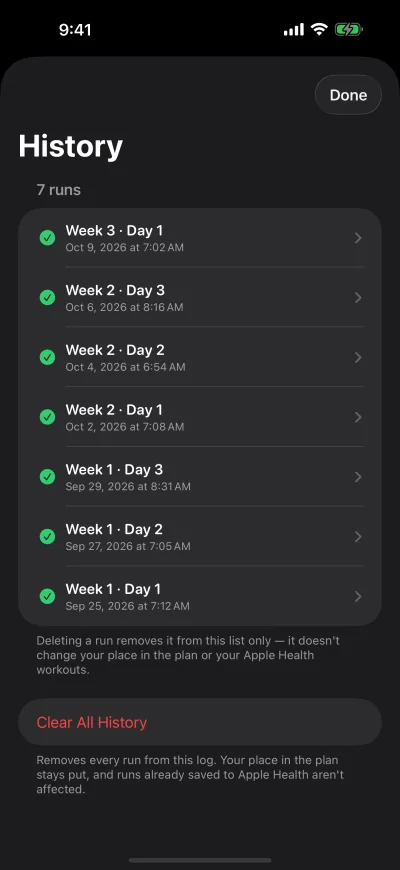
History lists each one, and each is saved to Apple Health as a running workout, so it shows up in the Fitness app too. Your place in the plan follows you to a new phone through your own iCloud, with no account to make.
iPhone
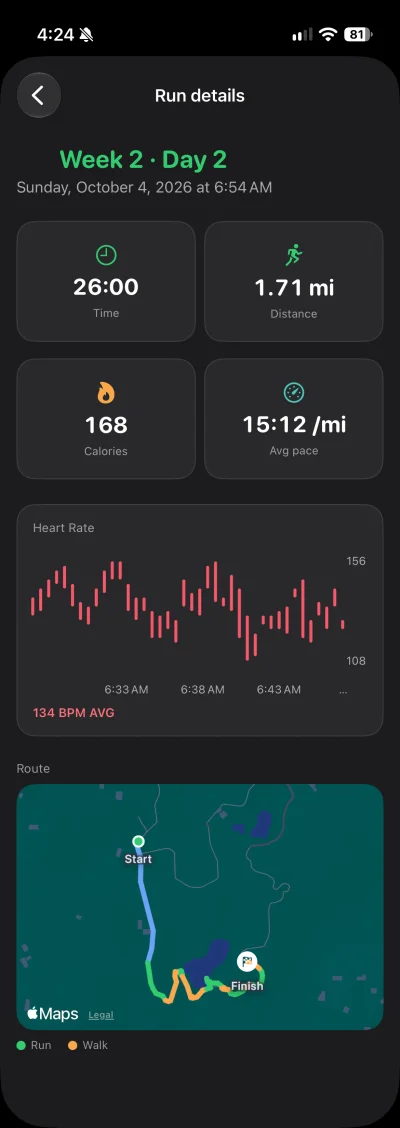
Each run opens to its time, distance, calories and pace. Outdoors it maps your route, green where you ran and amber where you walked. Wear your Apple Watch and it charts your heart rate too.
iPhone
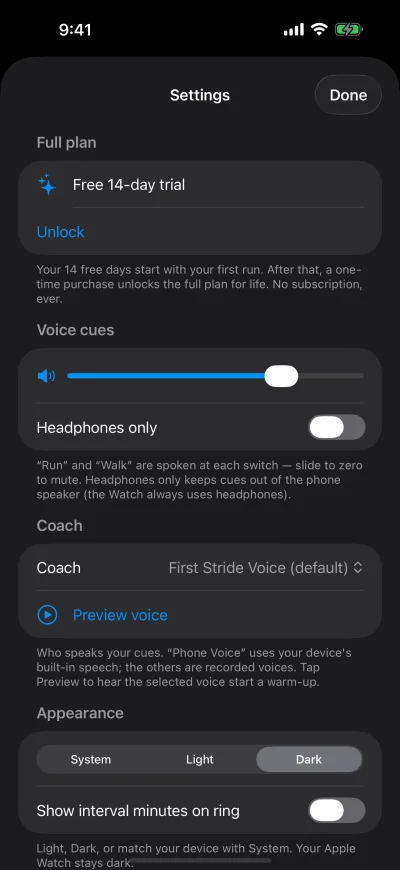
Choose a recorded human coach or your phone's own voice, and hear it before you run. Keep the cues to headphones only, add a cool-down, or switch to a light screen.
The plan
Three runs a week for nine weeks. Each ring below is one of the 27 workouts, drawn the way the app draws it. Watch the amber shrink.
Run 1 minuteWalk 1½. Eight times.
Run 1½ minutesWalk 2. Six times.
Run 3 minutesWith shorter runs between.
Run 5 minutesTwice, with 3-minute runs.
Run 20 minutesBy the third run, no walking.
Run 25 minutesThe last walk breaks.
Run 25 minutesThree times.
Run 28 minutesThree times.
Run 30 minutesThree times. Done.
You never count or check a timer. The voice says Run
, Walk
and Half way. Turn around.
, your Watch taps your wrist, and your music carries on underneath.
No account, no ads, no tracking. First Stride has no servers at all. Your runs live in Apple Health and your place in the plan in your own iCloud. It works with no signal.
Free for 14 days, and the clock starts on your first run, not the day you install. After that, one purchase keeps it for good. No subscription, nothing to cancel.
Questions
Yes. It's for people learning to run from nothing. Week 1 asks for one minute of running at a time, with walks in between, and the plan builds from there. If a week feels too hard, repeat it: the plan carries on from whichever workout you finish.
Yes. Start the run on the Watch and leave your phone at home. The Watch taps your wrist at every change, shows your heart rate, calories, distance and pace, and saves the workout to Apple Health. The app still installs through your iPhone, and the purchase is made there.
Not on your iPhone: it says the cues out loud, or through your headphones if you wear them. On the Watch, the voice plays only through headphones connected to the Watch. Without them you still get the taps on your wrist.
Nothing for 14 days, and the 14 days start on your first run, not the day you install. After that, one purchase keeps it for good. There is no subscription.
Yes. The whole plan is on one page, free to print or download as a PDF, whether or not you use the app.
Yes. The intervals are measured in time, so runners of different speeds can start together and switch at the same moments. Each runner uses the app on their own iPhone or Apple Watch; there is no group dashboard. Coaching a group has more.
One minute of running is where everybody starts. First Stride will tell you when it is over.

 Or scan it with your iPhone's camera.
First Stride is for iPhone with iOS 17 or later and Apple Watch with watchOS 10 or later. It is a training plan, not medical advice: if you have a health condition or have not exercised in a long while, talk to a doctor before you start. Apple, the Apple logo, iPhone and Apple Watch are trademarks of Apple Inc., registered in the U.S. and other countries. App Store is a service mark of Apple Inc.